What Should You Record When an Order Is Canceled After You Start Driving?
Keep a clear record of the offer, miles, time, cancellation details, and any pay that appears after a delivery is canceled.
By TRUE Driver Profit · October 7, 2026
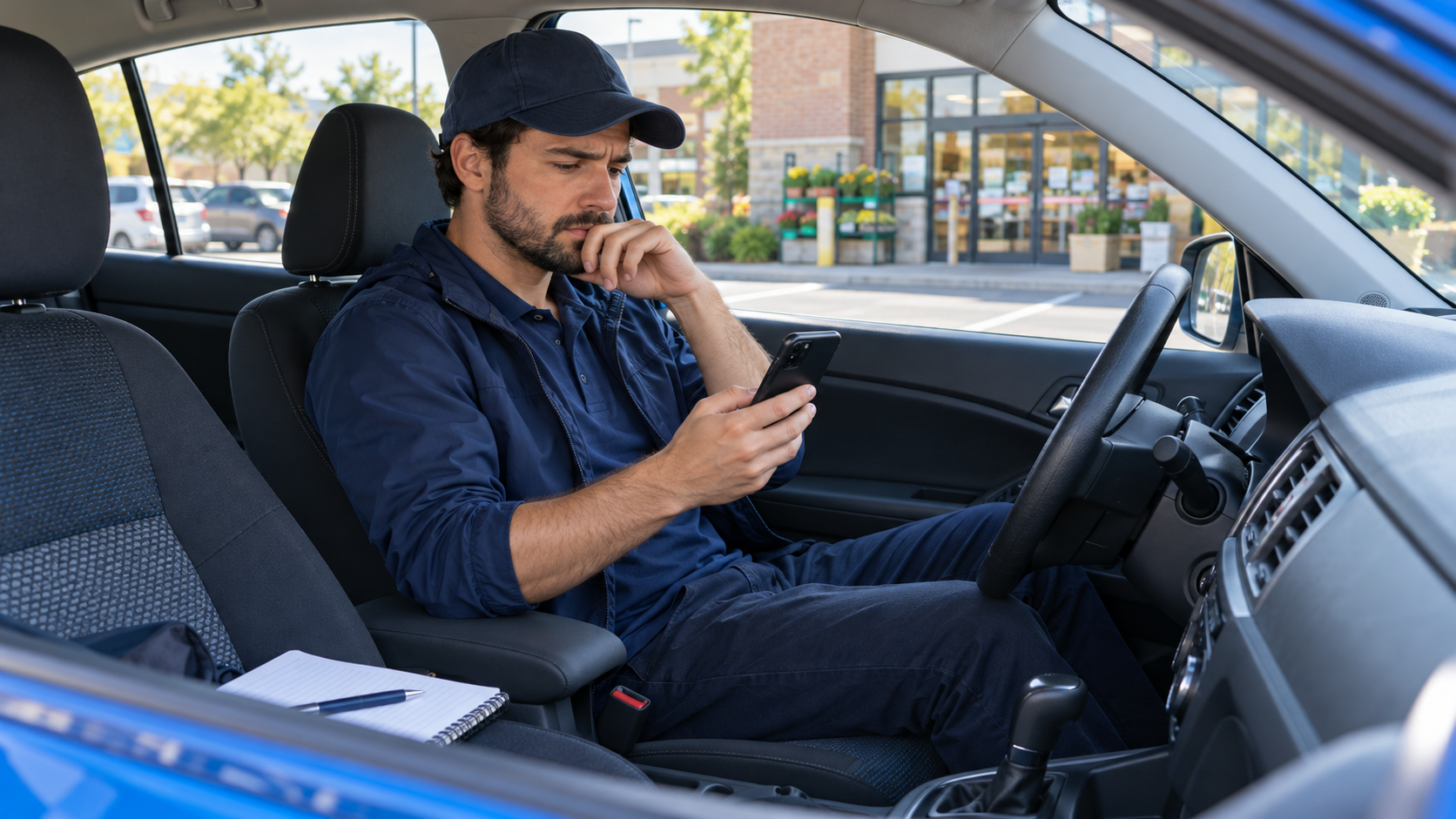
An order can be canceled after you have already started driving. When that happens, your records should show what you accepted, what work you completed, what the app instructed you to do, and what payment actually appeared. Do not assume the original offer total will be paid—or that every cancellation earns a fee.
Record the original offer and your starting point
Save the offer details you can still access: platform, date and time, displayed payout, estimated miles and minutes, and the trip or order reference. Record your starting odometer or work miles if available. Keep enough detail to identify the trip later, but avoid saving customer names, phone numbers, addresses, or unnecessary screenshots containing personal information.
Write down what happened
Note when you accepted, when the app reported the cancellation, how far you had driven, and how much time had passed. Record the cancellation reason shown in the app, who initiated it if the app identifies that, and the next steps the platform provided. If you contacted support, note the time and case or chat reference.
If the app directs you to return an order, follow its current instructions and record the return miles, time, and completed handoff. Do not keep, discard, or leave an order based on a guess about what should happen; use the app’s instructions or contact Driver Support.
Verify the final payment
After the trip closes, check the earnings tab, trip receipt, or history for the amount that actually posted. Spark’s help guidance says eligible canceled or modified trips may include cancellation or modification earnings, depending on the circumstances; when available, those earnings may appear in the trip receipt or earnings breakdown. Eligibility and amount are not universal.
If the displayed amount seems inconsistent with the trip record, contact support through the platform and keep the response with your notes. Record the actual credited amount separately from the original offer estimate so your totals stay accurate.
Include the costs even when the payout is zero
For your own profit analysis, count the work miles and time you used whether or not the trip paid. A canceled order may still consume fuel, add vehicle wear, and block time you could have used elsewhere. Your profit calculation should use confirmed pay minus your own driving costs and other trip expenses.
For tax records, maintain a system that clearly shows business income and expenses. The IRS recommends keeping supporting records for income and expenses. Use its current guidance or a tax professional for questions about whether a specific mileage or expense is deductible; your profit tracker and tax return serve different purposes.
Quick cancellation record
- Platform, date, time, and trip reference
- Accepted offer amount and displayed estimate
- Miles and minutes worked before cancellation
- Cancellation notice and instructions shown in the app
- Any return trip and completed handoff
- Support reference, if you contacted support
- Final amount shown in the receipt or earnings history
Related articles
- evaluating Walmart Spark offers before accepting
- tracking delivery mileage
- organizing earnings across delivery apps